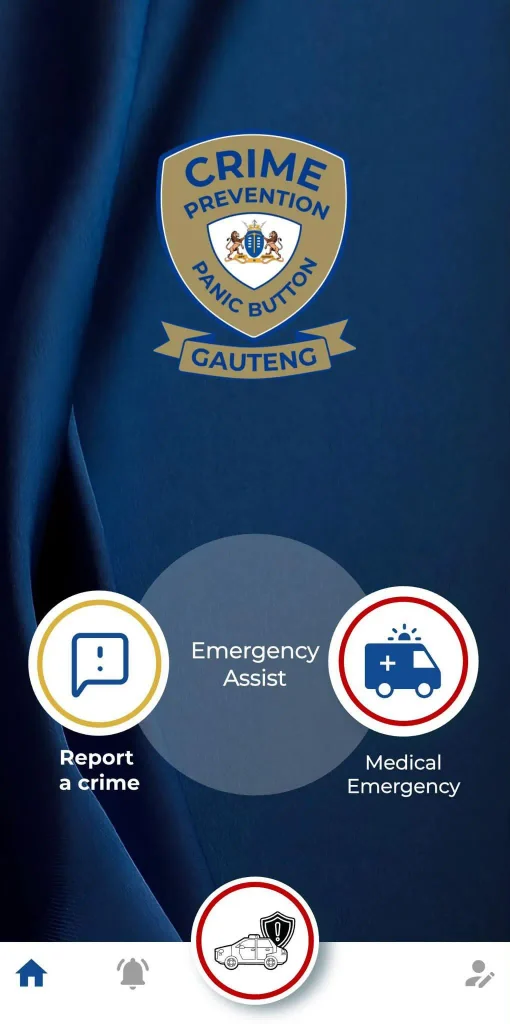
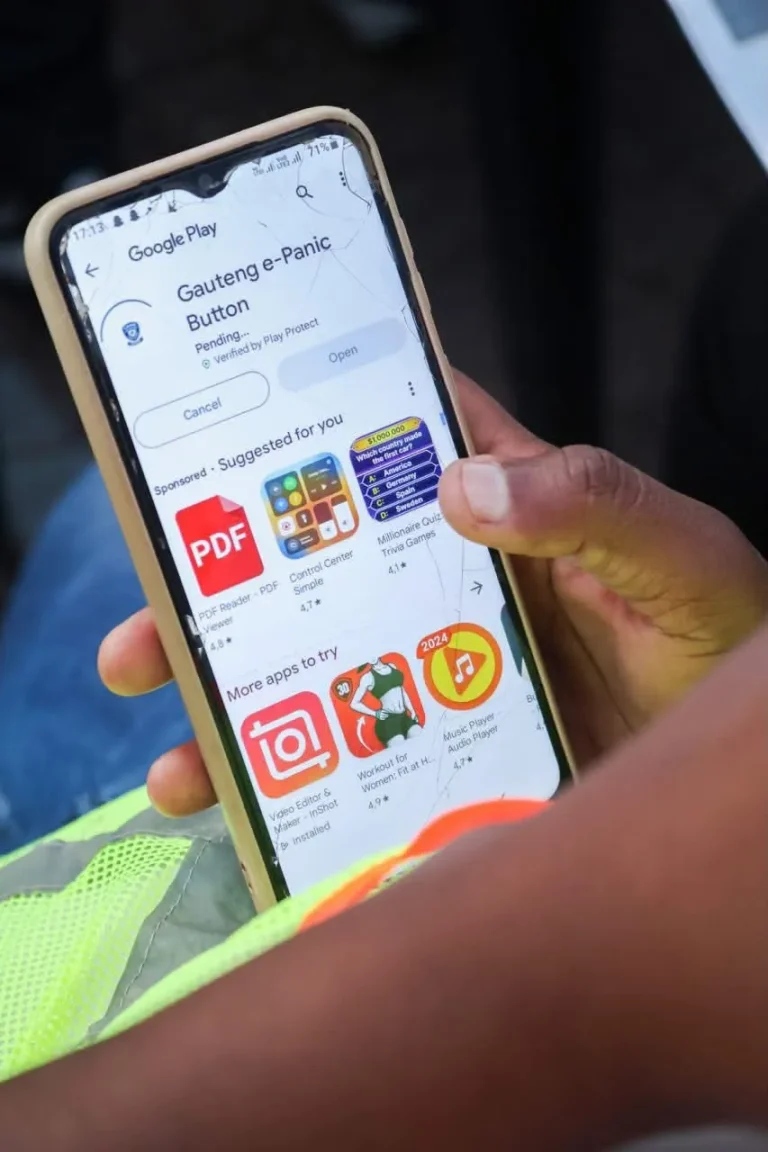

The Gauteng Provincial Government is stepping up efforts to keep communities safe with the launch of the Gauteng Panic Button.
This initiative is designed to combat crime and address domestic violence across the province.
MEC for the Gauteng Department of e-Government, Bonginkosi Dhlamini, is encouraging all residents to take advantage of this free service.
“The Gauteng Panic Button is a testament to the progress made by the provincial government to create a safer environment for everyone in the province. By downloading and using this app, you can protect yourself and your loved ones in times of emergency,” he said.
The Panic Button is available both as a physical device and an app for smartphones.
The e-Panic Button app can be downloaded for free on Android and iOS, making it easy for residents to access emergency assistance (law enforcement or medical) when needed.
“The Gauteng Panic Button is not just a tool; it’s a lifeline. It is an initiative by the Gauteng Provincial Government to ensure that all our residents are safe at all times,” emphasizes MEC Dhlamini.
How to Download and Register for the Gauteng e-Panic Button App
- Go to Google Play or the App Store: Search for “Gauteng e-Panic Button.” Look for the blue icon labeled “Crime Prevention Panic Button Gauteng.”
- Press Install: Download the app to your device.
- Open the App: Once installed, open the app to start the registration process.
- Enter Your Phone Number: Provide your phone number and press “Submit.” You will receive a One-Time Password (OTP) via SMS.
- Enter the OTP: Input the OTP and press “Submit.”
- Complete Your Profile: Enter your name, surname, phone number, and email (email is optional). Accept the terms and conditions to complete your registration.
- Test the app by holding the emergency button for three seconds. A notification will confirm your location and you will receive a call from the call center in a few seconds. Tell the operator that it is your first time installing the app and you’re testing the system.
MEC Dhlamini concluded by stating, “By using the Gauteng Panic Button, residents can feel a sense of security knowing help is just a tap away. This app is a crucial part of our efforts to ensure a safe community for all.”
Stay safe and take action by downloading the Gauteng Panic Button today.